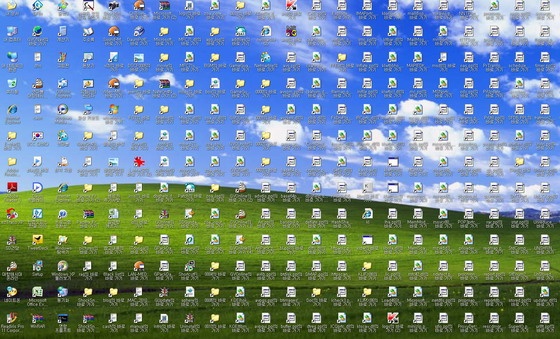
If you use Windows for a while, your desktop can get cluttered surprisingly fast.
Documents you're working on, frequently used folders, and application shortcuts gradually pile up until simply finding the icon you need becomes a task in itself.
One of the first programs people often come across when looking for a solution is Stardock Fences. It is a well-known Windows desktop organizer that lets you divide your desktop into separate areas and organize icons into groups.
Today, I'd like to introduce Ghostyak Boxes, an app that takes a similar idea but approaches desktop organization a little differently.
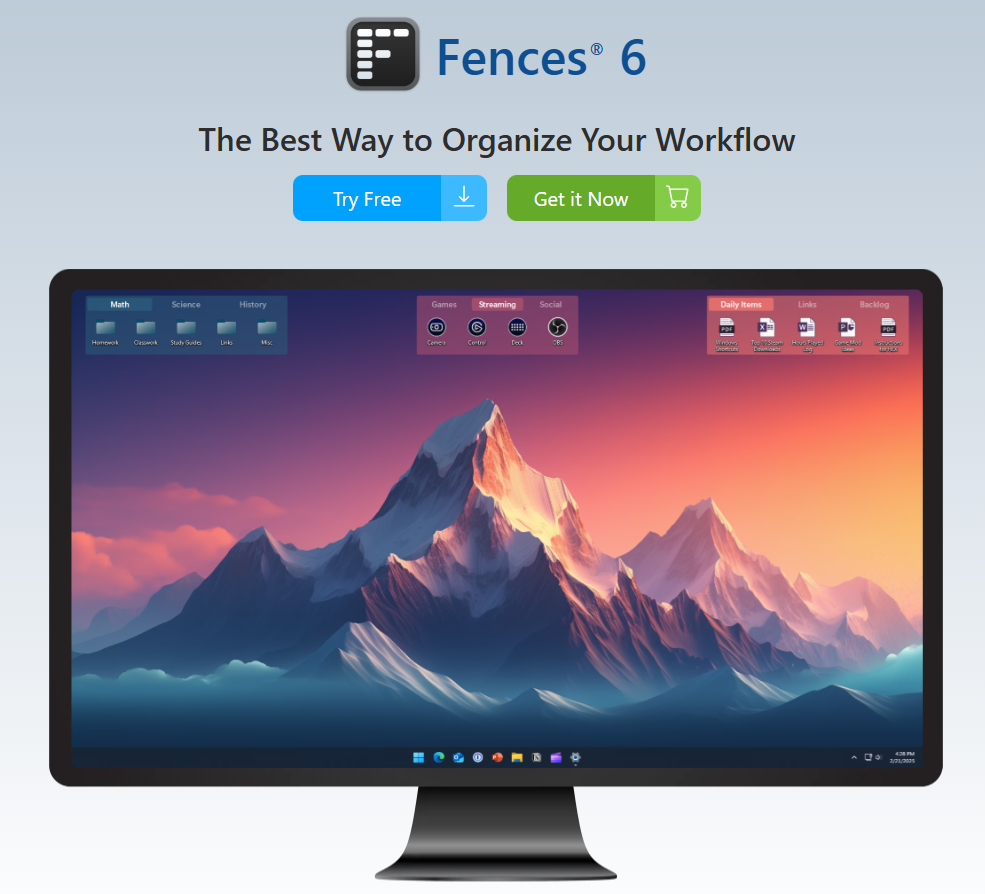
Desktop Organization Similar to Stardock Fences
When you launch Ghostyak Boxes, you can create multiple boxes directly on your Windows desktop.
For example, you might create boxes for Work in Progress, Frequently Used Folders, Development, or Documents, then place the files and folders you need inside each one.
At first glance, the easiest way to describe it is as a Windows Desktop Organizer similar to Stardock Fences.
However, there is an interesting difference in how it works.
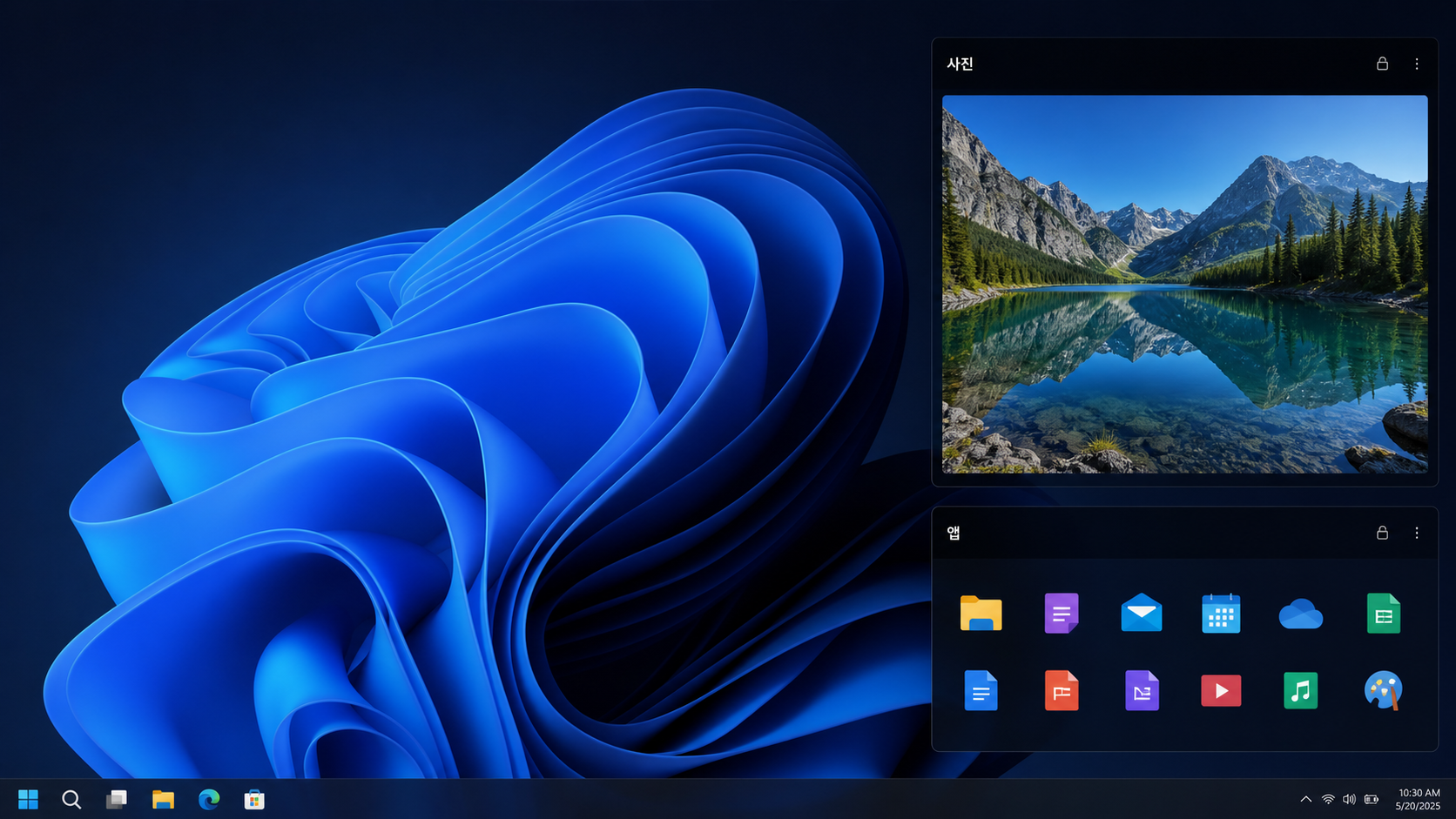
Your Original Files Stay Where They Are
This is the feature that stood out to me the most about Ghostyak Boxes.
Instead of physically moving files into a box, Ghostyak Boxes keeps the original files in their existing locations and manages them through shortcuts.
That means you can organize your desktop however you like without changing your project folder structure or moving the actual files around.
If you're like me and don't want to change where your files are stored, but still want to use the desktop as a practical workspace, this approach makes a lot of sense.
Designed with Win+D and Multiple Monitors in Mind
Another notable feature is that Ghostyak Boxes is designed to operate in the same desktop layer as your desktop icons, rather than behaving like a normal application window floating above the desktop.
Because of this, your boxes remain available even when you press Win + D to show the desktop.
It also supports remembering the position and size of boxes for different monitor configurations, which is particularly useful if you frequently switch between a laptop-only setup and an external or dual-monitor setup.
Looking for a Stardock Fences Alternative?
Ghostyak Boxes feels like a different take on the desktop organization concept popularized by Fences, with shortcut-based file management added to the mix.
It may be worth checking out if:
- Your Windows desktop is overloaded with files and folders.
- You're looking for a Stardock Fences alternative.
- You don't want to change the actual location of your files.
- You use your desktop as a workspace for different projects.
- You frequently switch between a laptop and a dual-monitor setup.
If you're looking for a simple Windows desktop organizer that helps keep your desktop cleaner without moving your original files, Ghostyak Boxes is definitely worth a look.
Ghostyak Boxes Official Website
https://ghostyak.com
'english' 카테고리의 다른 글
| Introducing GhostyakBoxes (0) | 2026.08.23 |
|---|---|
| Ghostyak Boxes: A Windows Desktop Organizer I Built While Looking for a Stardock Fences Alternative (0) | 2026.08.23 |

